Video Converter · Free
Convert video to MP4 on your Mac
Screen recordings and iPhone clips that won't play somewhere else? Knack converts them to MP4, HEVC or audio-only, natively.
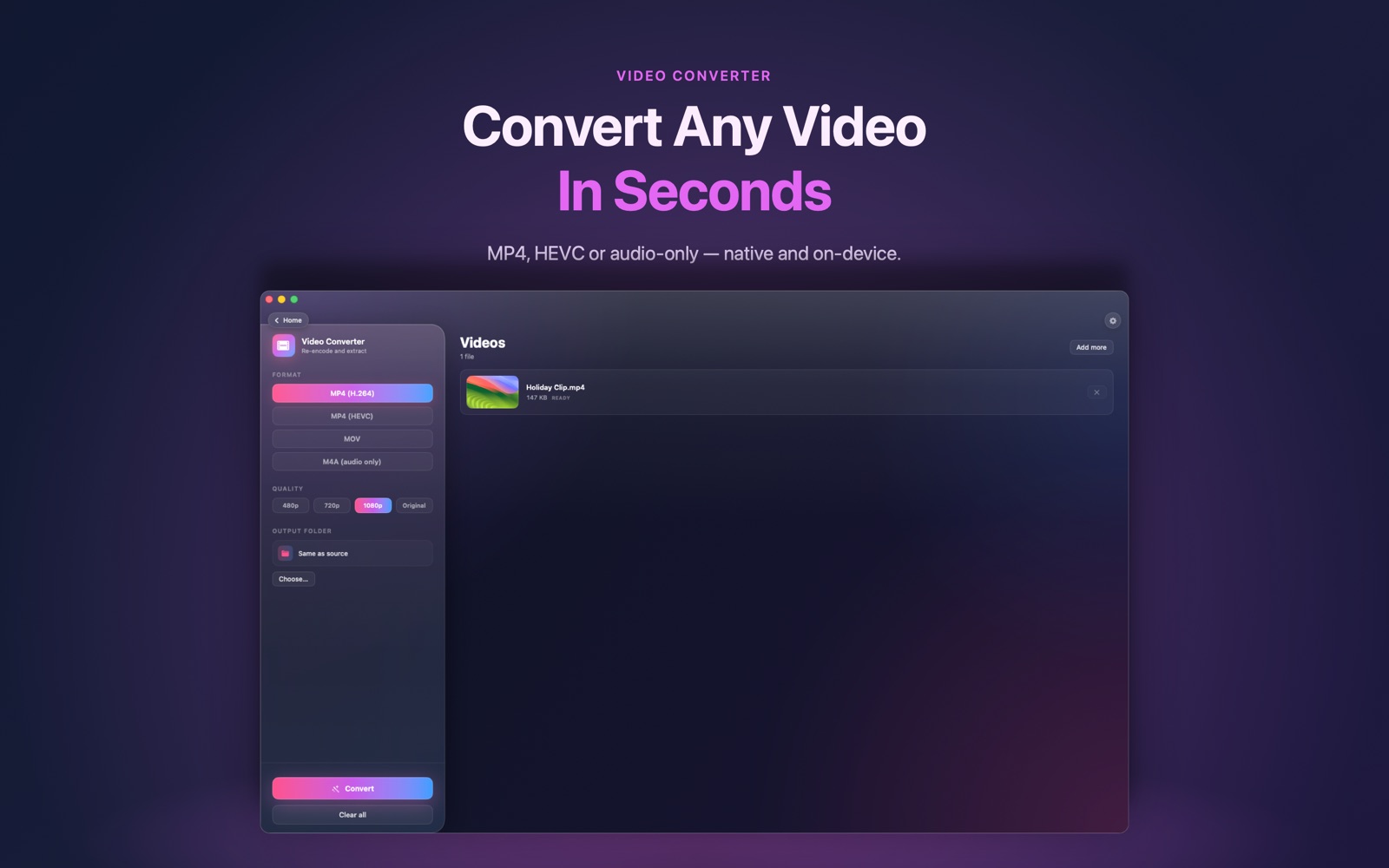
How it works
- Drop one or more videos into Video Converter.
- Choose MP4 (H.264), HEVC, MOV or audio-only, and the quality.
- Click Convert. Files are saved next to the originals or in a folder you choose.
Questions
Is it free?
Yes. Video Converter is one of Knack's free tools.
Is my video uploaded anywhere?
No. Conversion uses Apple's AVFoundation on your Mac.
Can it extract the audio?
Yes. Choose the audio-only output, or use Knack's Audio Converter.
One app, 20+ tools.
Video Converter is one of more than twenty native tools in Knack — converters, PDF tools, OCR, AI photo tools and more, all running on your Mac.
Get Knack