Image, PDF, audio, video, and a full suite of AI-powered Pro tools —
App Store screenshot designer, on-device transcription, document
scanner, depth-aware portrait effects, and more. Lives in your menu
bar, too, so colors and text are one keypress away. Everything runs
on your Mac. No uploads. No accounts. No subscription.
Native SwiftUI. Retina-sharp. Here's a closer look at the tools people use most.
App Store Screenshot Designer Pro
Ship App Store art in minutes, not days.
Six curated marketing templates — Hero, Split, Showcase, Headline Only, Stat Card, Full Bleed. Drop in raw captures, pick a device (Mac / iPhone 6.9″ / iPad 13″), choose a glass or flat frame treatment, and export perfectly-sized PNGs ready for App Store Connect. Localize every screen with Apple's on-device Translation framework — one click translates every slot into 23 languages and exports a ready-to-upload `en-US/`, `de-DE/` folder tree. Save your work as a `.knack` project and pick up where you left off next month.
6 templates
3 devices
20 backgrounds
23 languages
Fullscreen preview
.knack project files
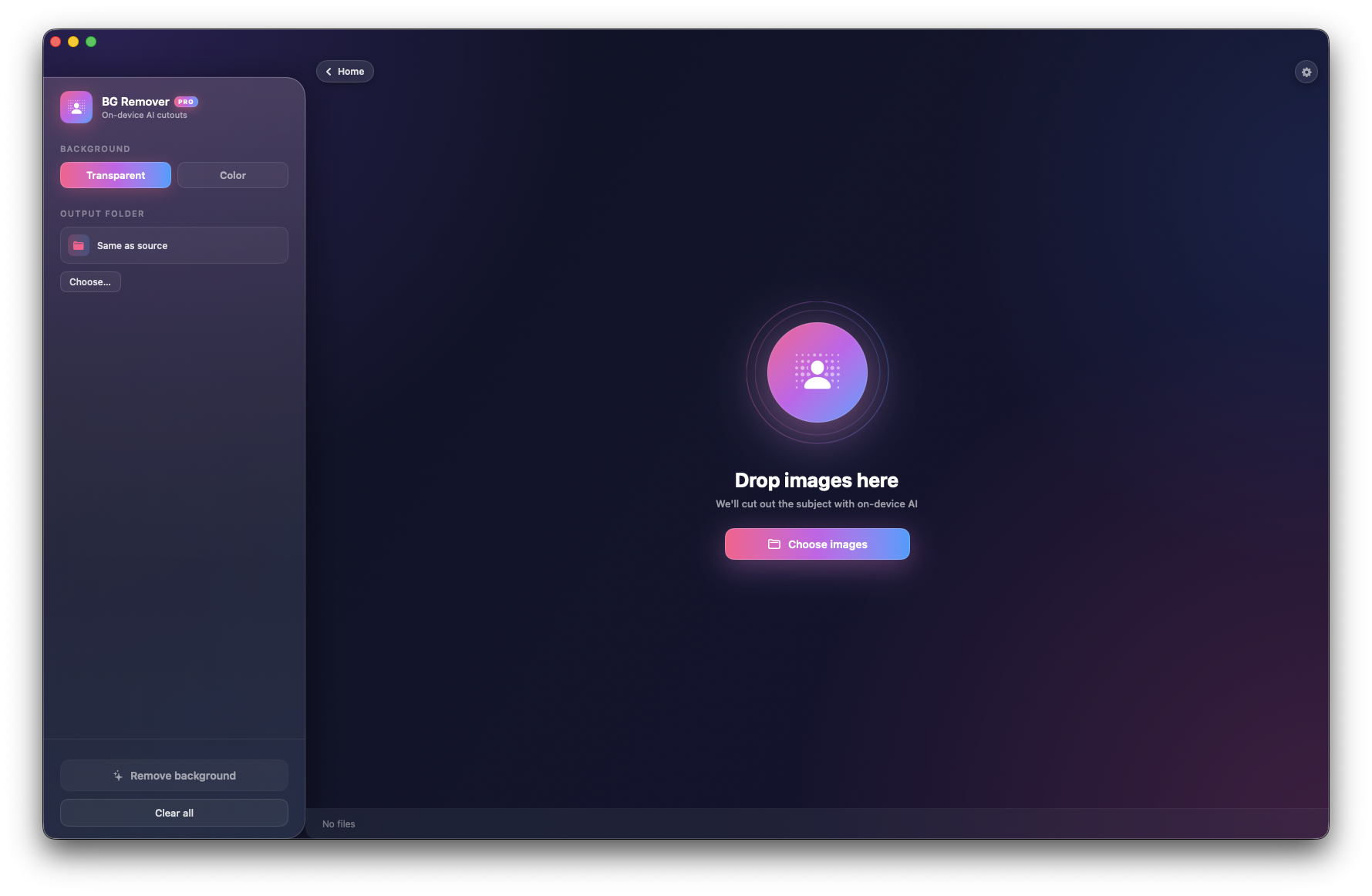
AI Background Remover Pro
Truly on-device AI, truly instant.
Powered by Apple's Vision framework — the same model built into macOS. Cut out subjects in milliseconds, no cloud round-trip, no API key, no queue.
Apple Vision
No network
Transparent PNG
Batch mode
Color Picker & Menu Bar
Pick colors and text from anywhere on screen.
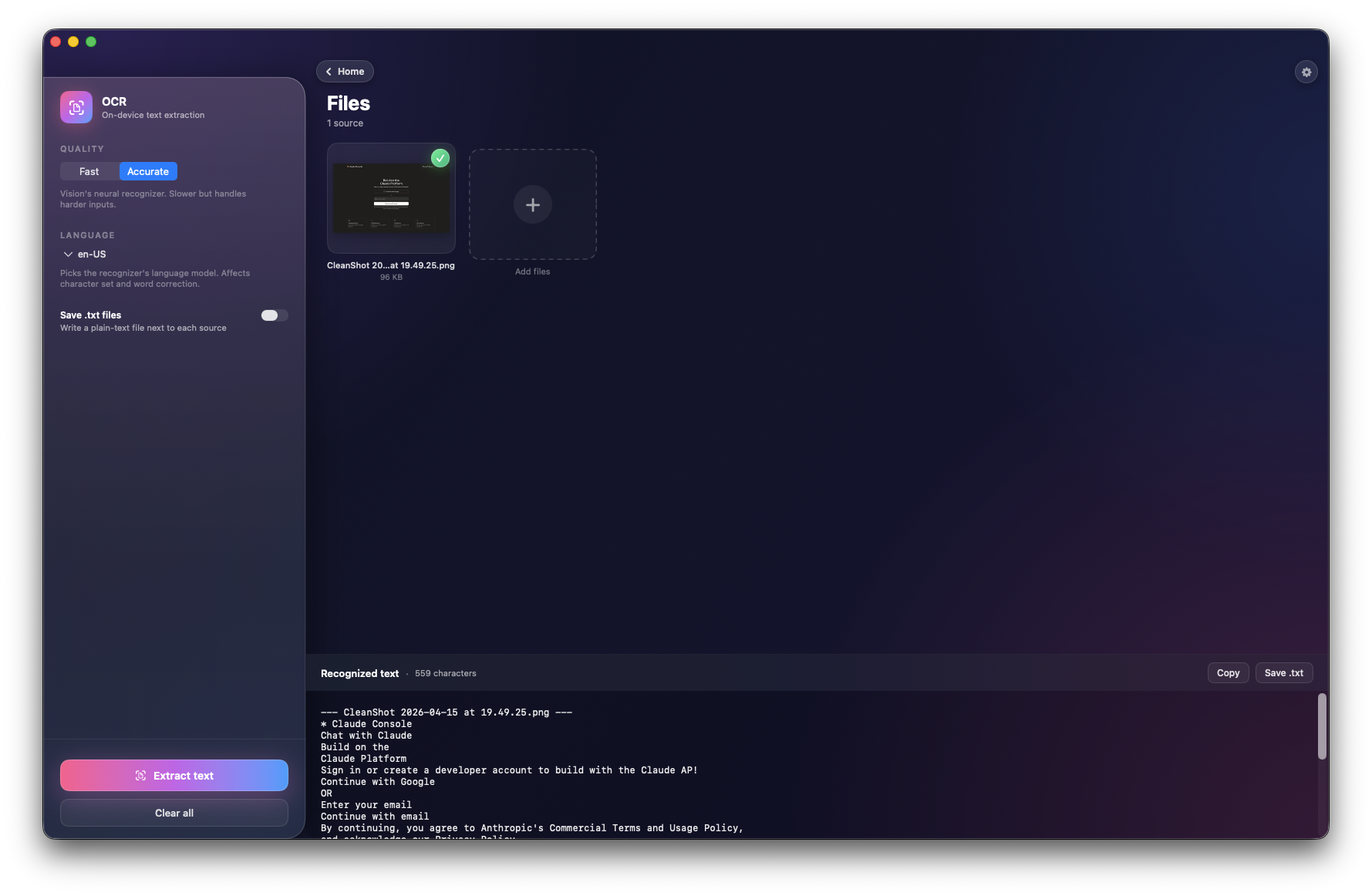
Pixel-accurate color sampler inside the app, plus a branded menu bar companion that lets you grab a color (⇧⌘P) or extract text from any region of any app (⇧⌘T) — without leaving what you're doing. Auto-copies to the clipboard in the format you want (HEX, RGB, HSL, SwiftUI, AppKit). Rolling history of 40 picks, synced between the sidebar and the menu bar's recent-colors list. A floating confirmation HUD tells you what landed in the clipboard.
Pixel-accurate
Screen sampler
Area OCR
5 formats
Menu bar HUD
Menu-bar first mode
Hide the Dock icon. Live in the menu bar.
Flip a single switch in Settings and Knack drops out of the Dock and Cmd+Tab. The menu bar companion stays — click the Knack mark any time to open the main window. Close the window and Knack keeps running in the menu bar, ready for the next color pick or screen OCR. Flip the switch back off and the Dock icon returns instantly. Perfect for a clean workspace without losing the tools.
Dock-free
Stays in menu bar
One-click toggle
Reversible
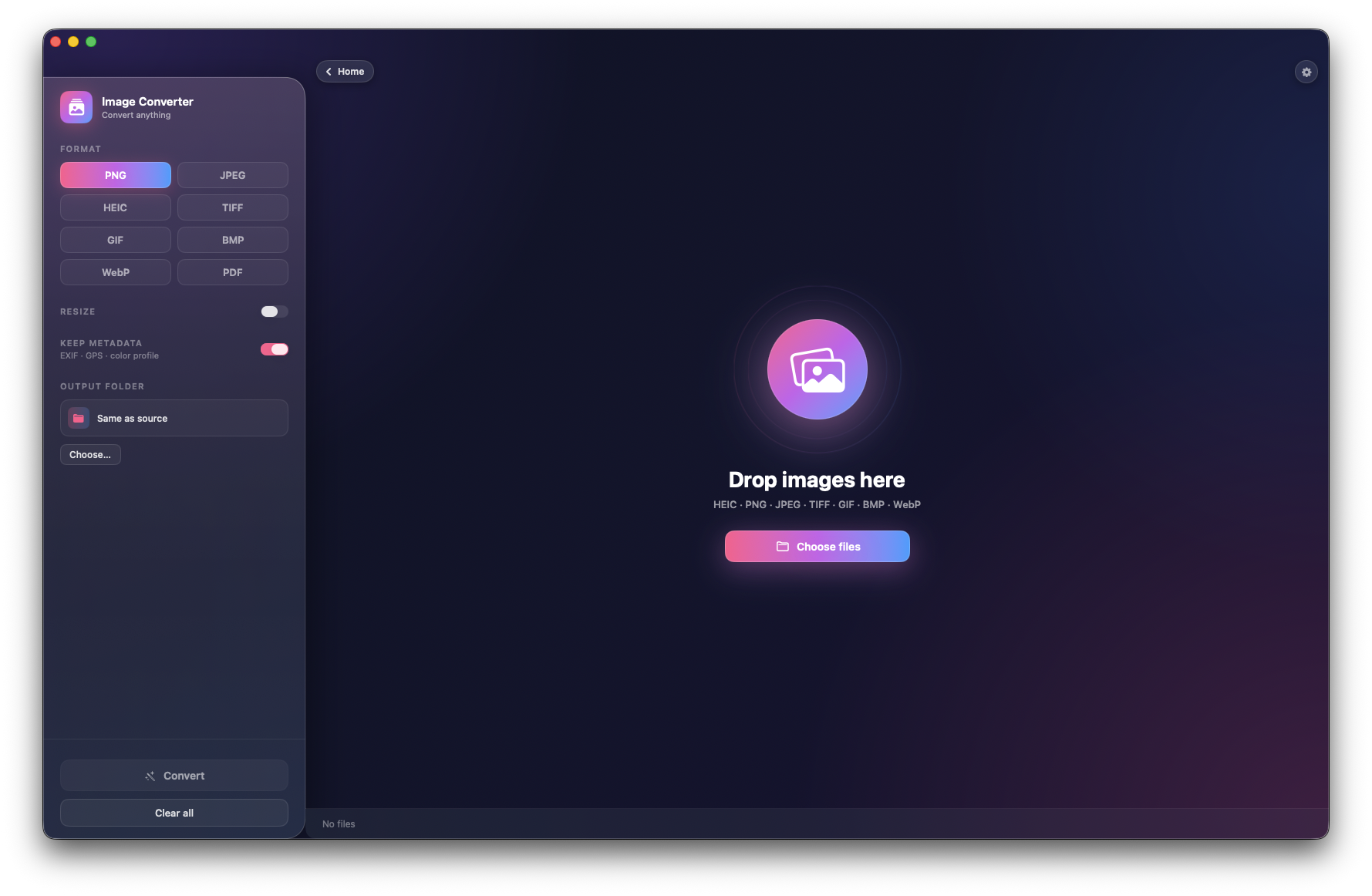
Image Converter
Batch convert anything to anything.
Drop in hundreds of files and convert between PNG, JPEG, WebP, HEIC, TIFF, GIF, and BMP. Quality, resizing, and output folder — dialed in once, applied everywhere.
PNG
JPEG
WebP
HEIC
TIFF
GIF
BMP
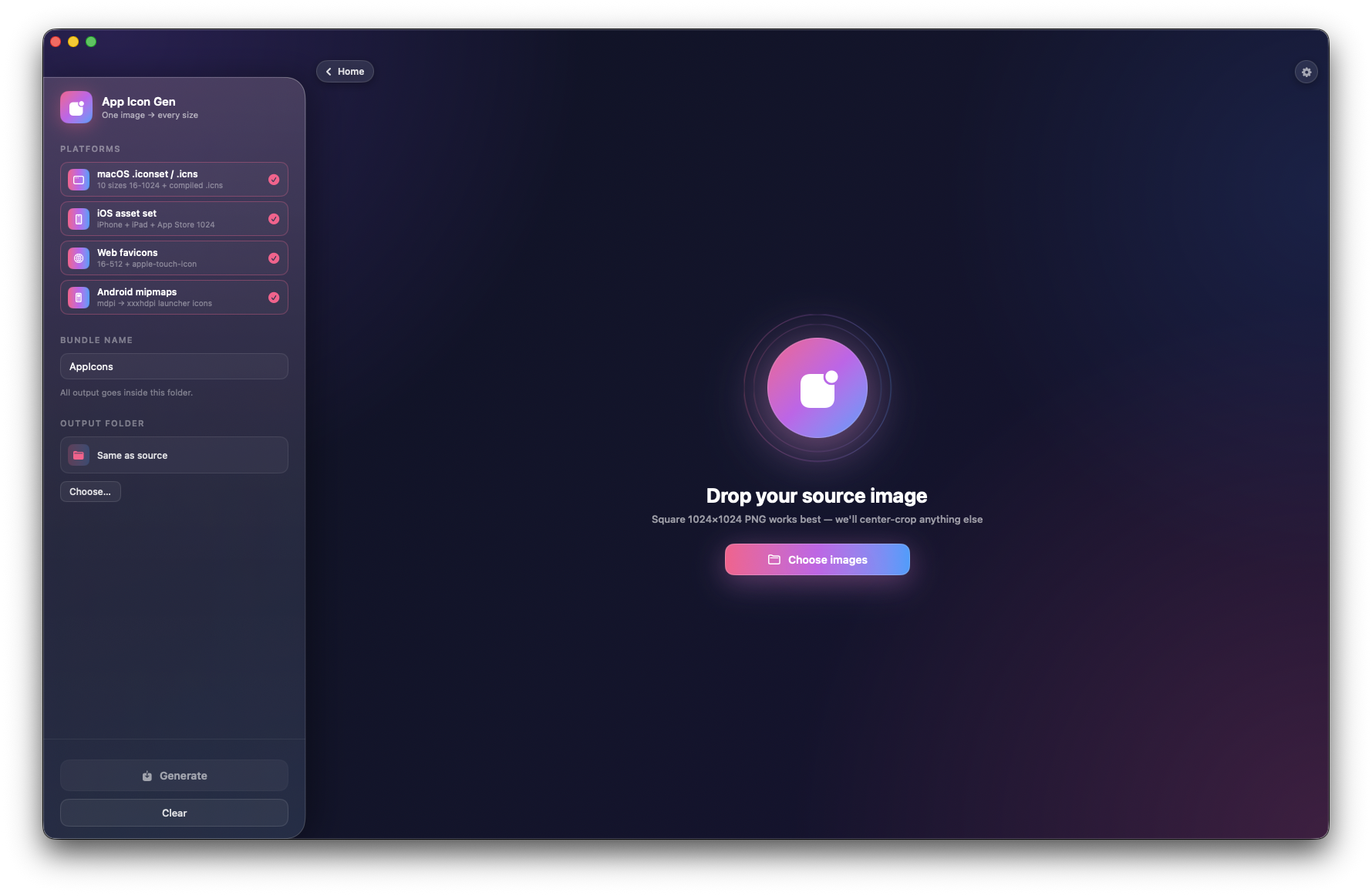
App Icon Generator Pro
Every icon size, from one source.
Drop in a 1024×1024 master. Get the full icon set for macOS, iOS, Android, and the web — named correctly, bundled neatly, ready to ship. Apple squircle mask applied automatically where it should be, left flat where iOS renders its own.
macOS
iOS
Android
Web favicons
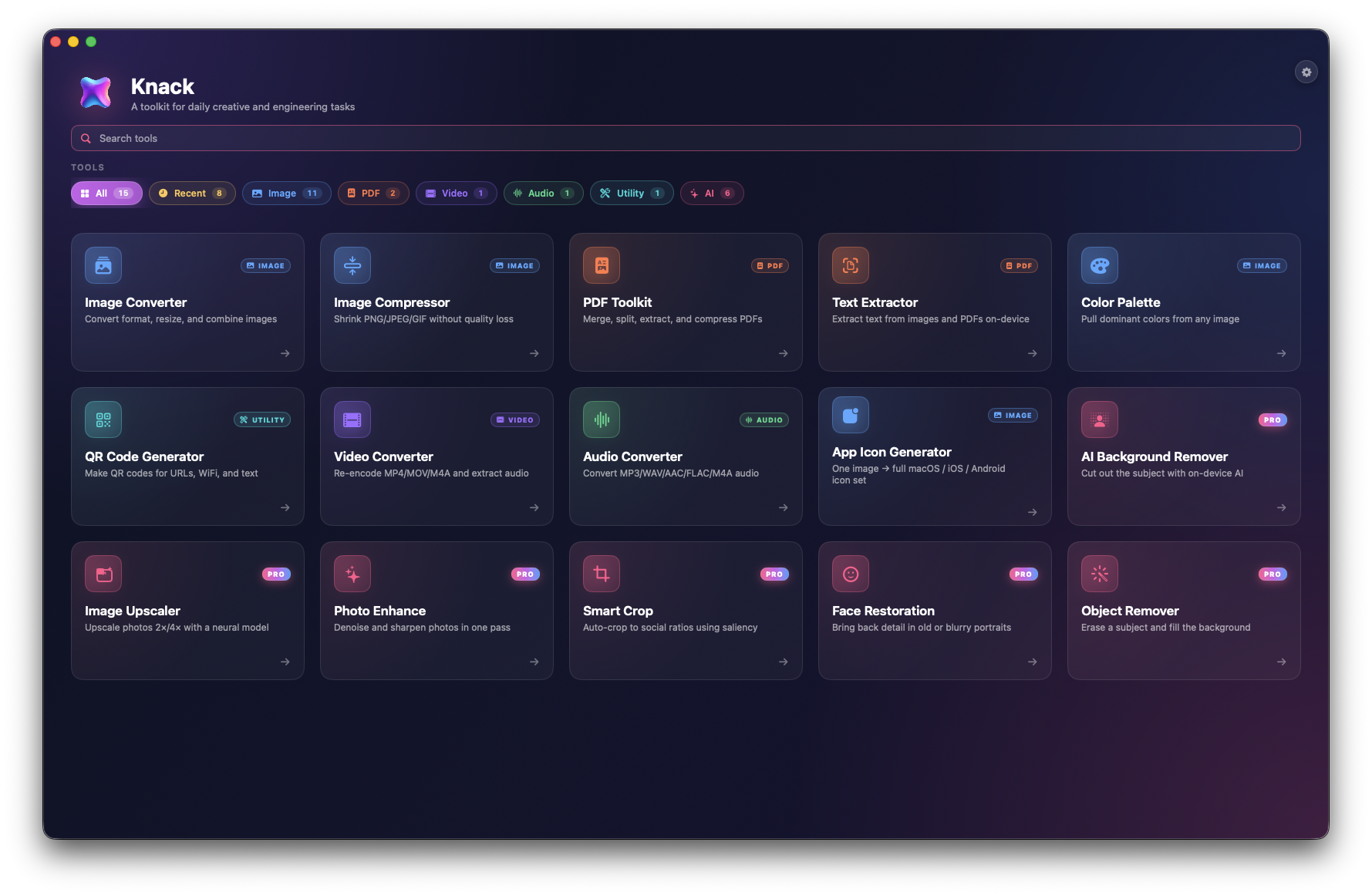
All 20 tools
One window, everything.
Ten free tools for everyone. Ten Pro tools powered by Apple's Vision, Core Image, Core ML, and the on-device Translation framework — all running on your Mac.