Image Converter · Free
Convert HEIC to JPG on your Mac
iPhone photos arrive as HEIC, and half the web still wants JPG. Knack converts a whole folder at once — on your Mac, nothing uploaded.
How it works
- Drop your HEIC photos (or a whole folder) into Knack's Image Converter.
- Pick JPG, PNG, WebP or TIFF. Optionally resize or keep the original metadata.
- Click Convert. Files are saved next to the originals or in a folder you choose.
Questions
Is it free?
Yes. Image Converter is one of Knack's free tools, with no limits on how many files you convert.
Does it upload my photos?
No. Conversion runs entirely on your Mac using Apple's own image frameworks.
Can I right-click a file in Finder?
Yes. Turn on Knack's Finder actions in Settings, then right-click any image and choose Convert Image in Knack.
One app, 20+ tools.
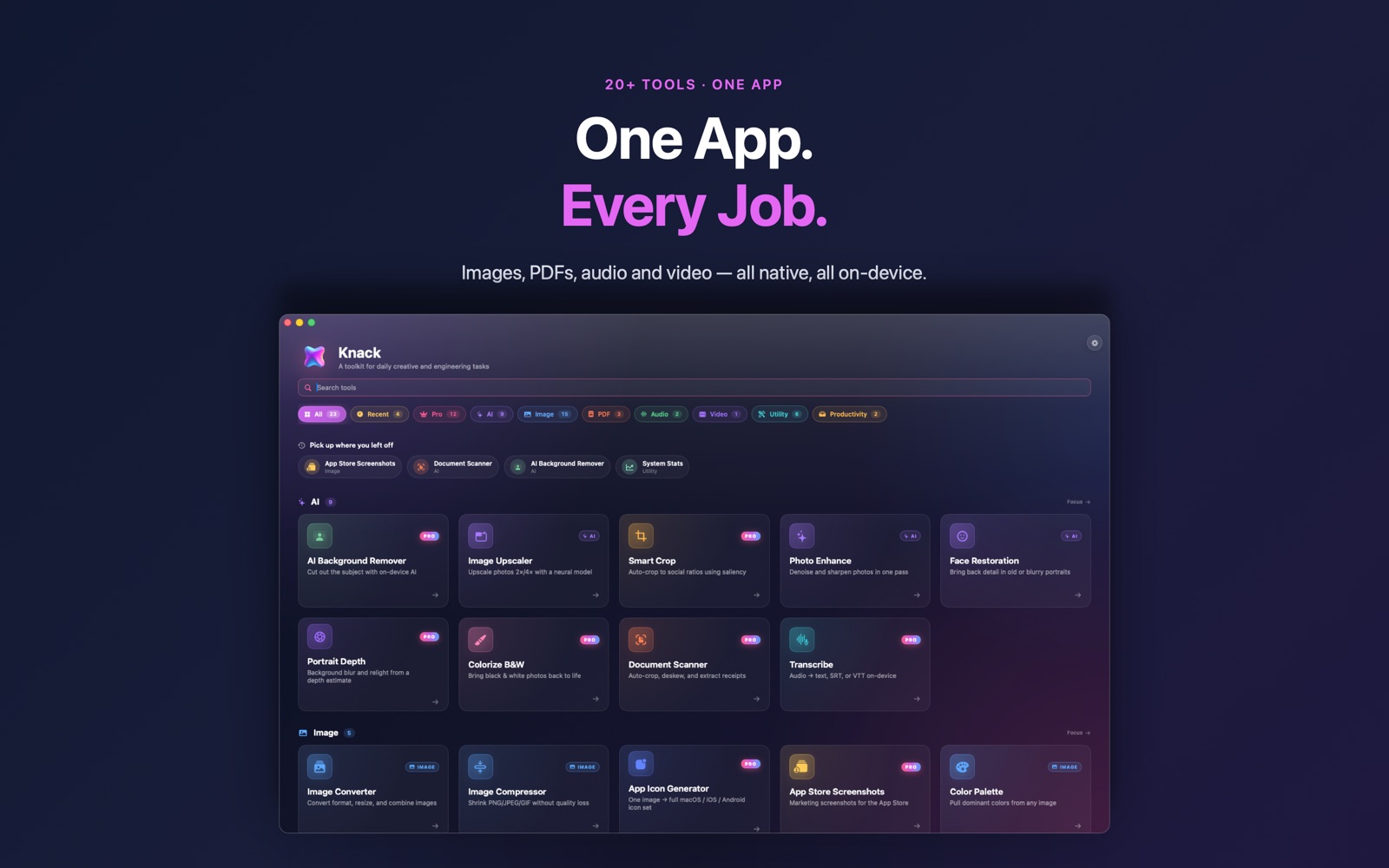
Image Converter is one of more than twenty native tools in Knack — converters, PDF tools, OCR, AI photo tools and more, all running on your Mac.
Get Knack