System Stats · Pro
A system monitor in your Mac's menu bar
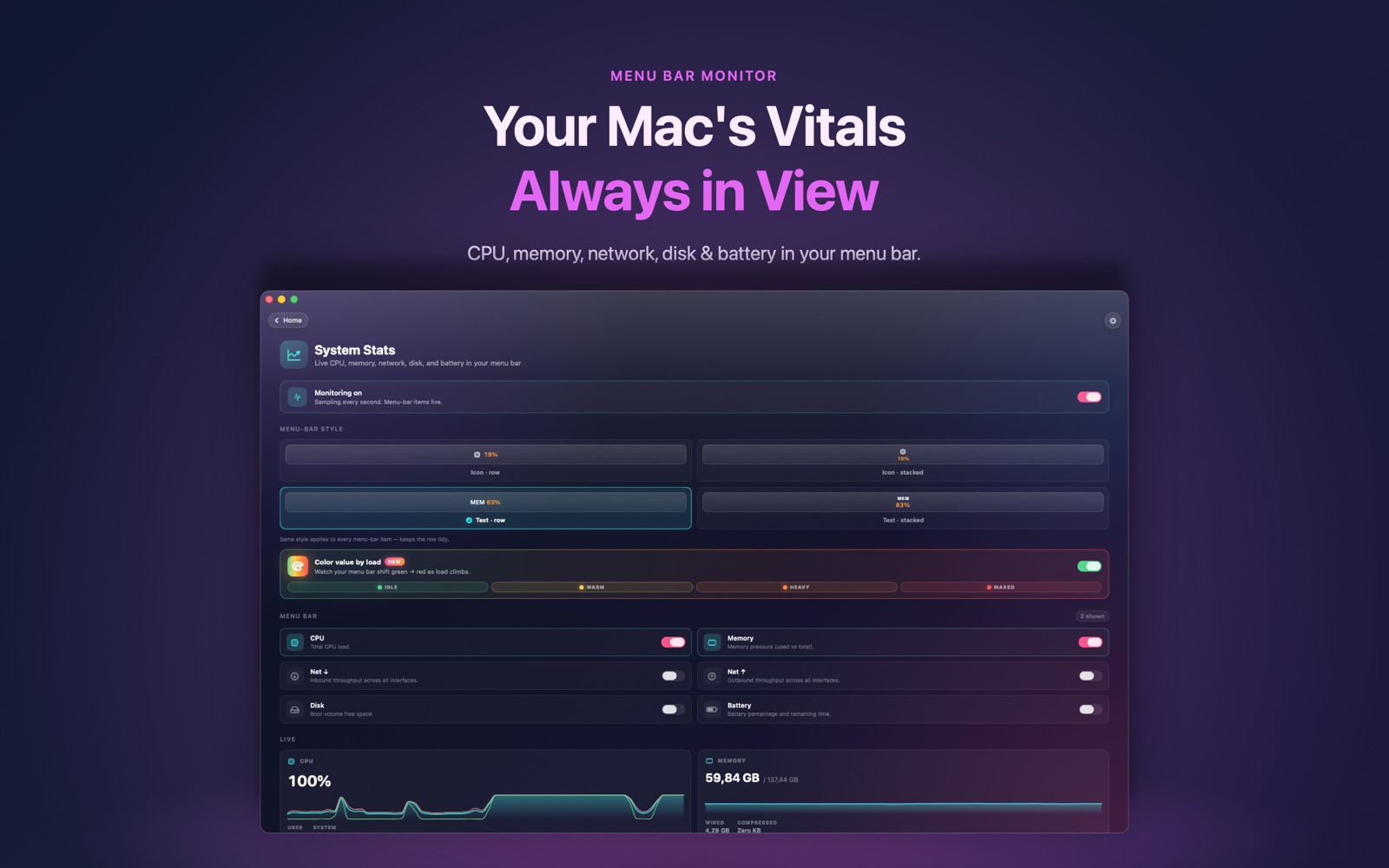
Know why your fans just spun up. Knack's System Stats puts live CPU, memory, network, disk and battery numbers in your menu bar.
How it works
- Open System Stats in Knack and turn on the metrics you want.
- They appear in your menu bar, updated every second.
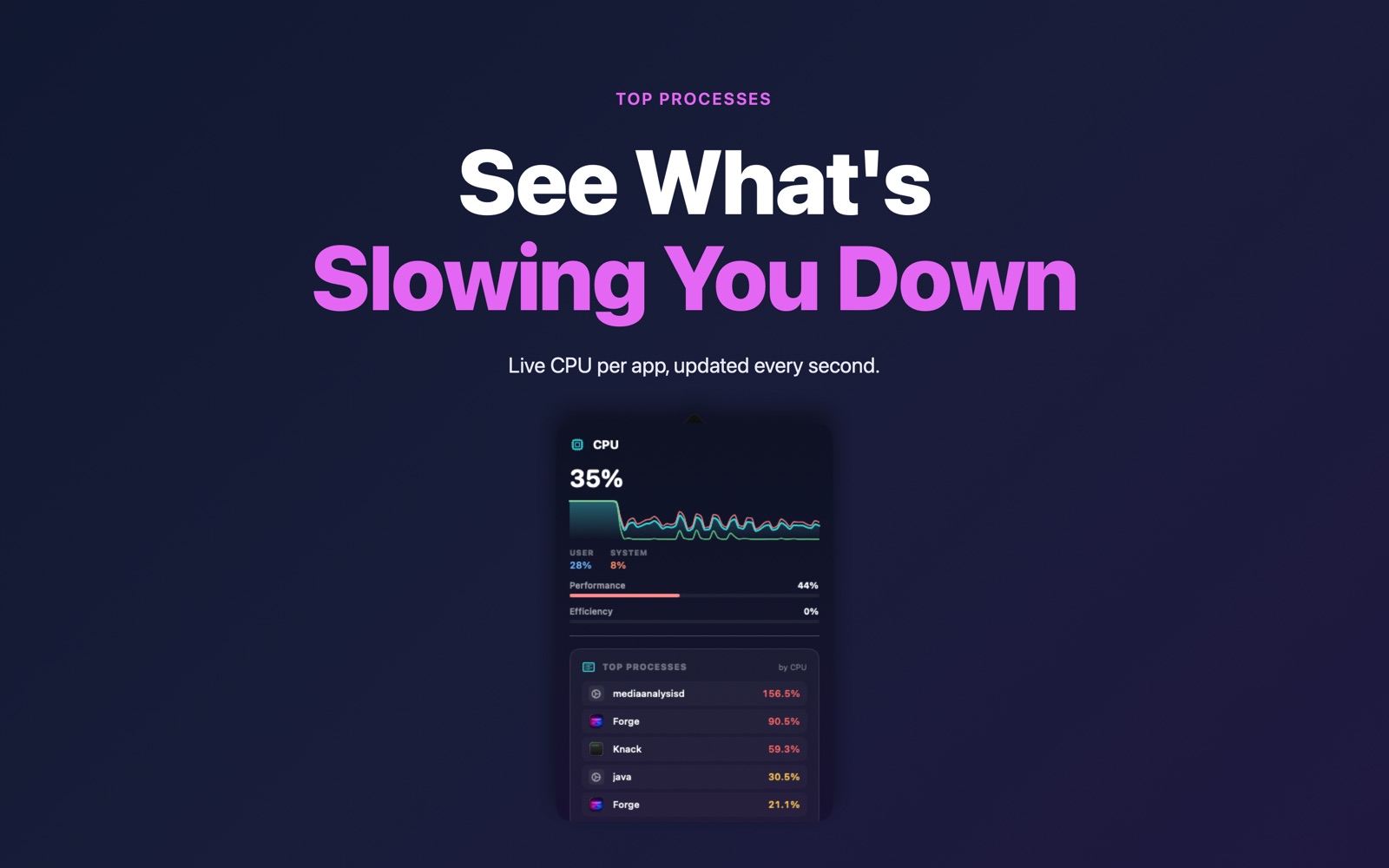
- Click one to see a live graph and the apps using the most CPU right now.
Questions
Does it show GPU usage or temperatures?
No. Those need private system access that Mac App Store apps aren't allowed to use. Knack shows CPU, memory, network, disk and battery.
Is it heavy on resources?
No. It samples once per second using Apple's public APIs and is built natively in SwiftUI.
Is it free?
System Stats is part of Knack Pro, a one-time purchase.
One app, 20+ tools.
System Stats is one of more than twenty native tools in Knack — converters, PDF tools, OCR, AI photo tools and more, all running on your Mac.
Get Knack